One phone for schoolwork: a Malaysian family plan for shared-device evenings
Two children need the family phone for schoolwork, but one has to open a worksheet and the other has to upload a video. Giving them identical slots may sound fair and still leave a task unfinished. The worksheet can often be read first and worked on offline; the upload needs the device again at the end. Plan the evening around the moments that actually require a phone, not around the total time each child needs to study. Include a fallback for a late return, a slow connection or a file that will not open.
Separate work you can do offline from work you cannot
Use a piece of paper to make three columns: what the teacher asked for, the part that needs the phone, and the time it is actually due. Ask each child to explain the deliverable in their own words. “Geography on the school platform” is not specific enough. “Read the map directions, draw the key on paper, and send a photo” shows exactly where the device is needed. Do not assume the teacher accepts a photo instead of a file; check the original instructions or ask before changing the format.
Where the school platform allows material to be saved, open or download it while connected and check that it really opens later. Copy only the needed instructions onto paper when that is easier. Avoid forwarding school files or pupil details to a public group just to make them reachable. If the pupil cannot access a task at all, note the actual error and report it privately using the school’s approved channel. That is more helpful than sending repeated messages saying the platform does not work.
Make a schedule with an upload buffer
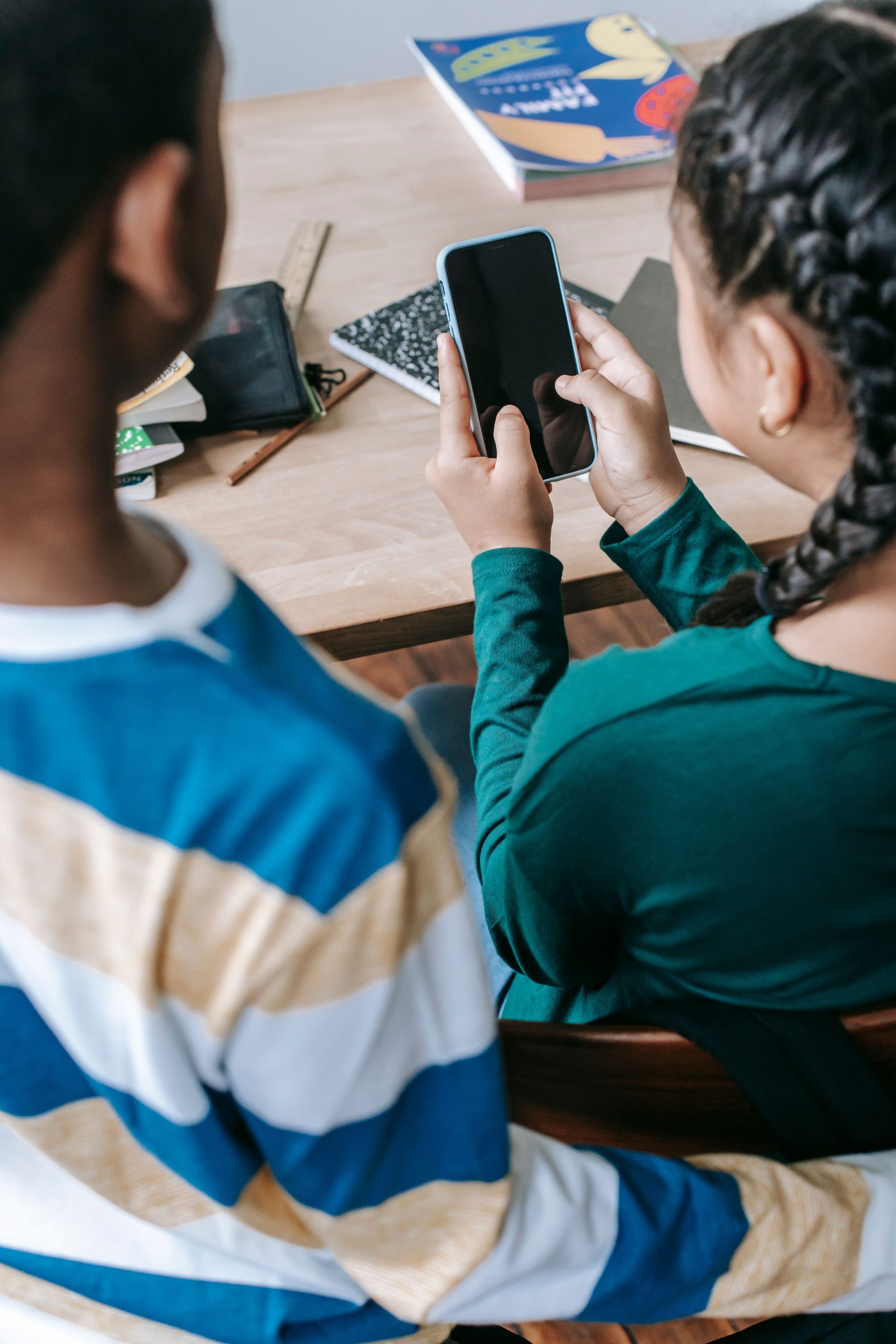
Consider a family in Kota Bharu with two siblings and a phone that comes home at 7 p.m. A Year 5 pupil uses it at 7:05 to read the worksheet instructions. At 7:15 the pupil starts writing on paper. A Form 2 sibling then opens the video assignment and checks the recording requirements. After both prepare their work off the phone, the Year 5 pupil uses it again for a short photo submission and the older pupil records and uploads the video. Reserve unused time for an upload that takes longer than expected.
This plan does not require every evening to run to the minute. Use a quick marker showing who has the phone next, and ask whoever finishes early to tell the next child. Keep the charger available and agree on a place where the phone can stay while uploading, rather than moving it between rooms mid-transfer. A live session or a firm deadline may need priority; rotate the more convenient slot on nights when no deadline decides it.
Check the final state, not just the button press
Show each child how to check the result in their own school account. Selecting a file is not the same as sending it, and starting an upload is not the same as receiving a submission confirmation. Look for the status the platform or teacher specifies. If the device is shared across accounts, make sure the correct account is open before sending. Ask the school how to handle any failed submission, and avoid keeping other pupils’ work or shared passwords on the phone.
Tell the teacher what part is blocked
If a deadline cannot be met, send a concise description through the approved channel: “The worksheet is complete on paper. We cannot upload before 8 p.m. because the phone is shared. May we submit after that, or bring the work tomorrow?” This gives the teacher a real choice without assuming an extension. Keep any response with the task so the child knows what was agreed.
At the end of two evenings, ask which part of the plan made schoolwork easier and where the queue still formed. If video is the bottleneck, rehearse off-device first. If instructions are missed, give the first slot to accessing them. The goal is a workable arrangement, not equal minutes on a screen when the children need the device for different things.